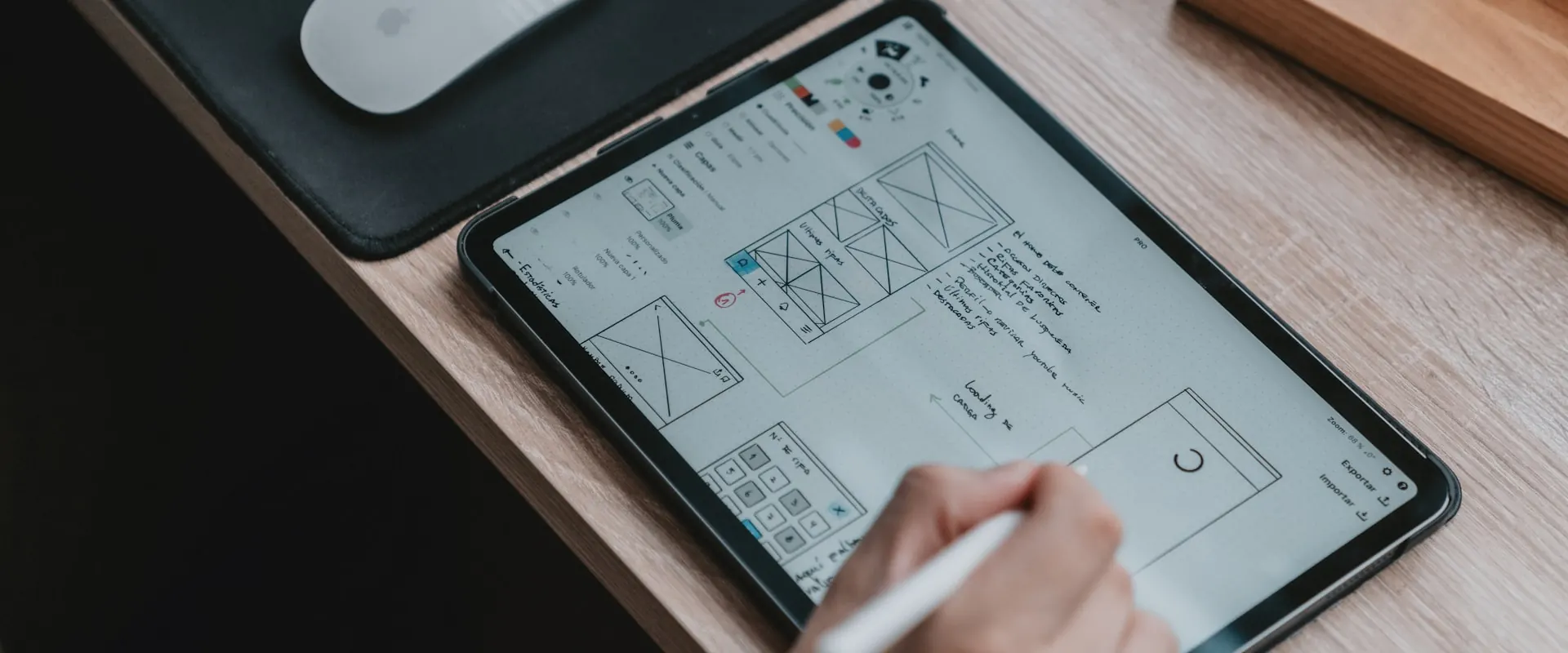
Validate your product before you build it
High-fidelity prototypes that let you see, test and adjust the experience before a single line of code is written.
Design before code
Building without prototyping is expensive, because changing a screen in Figma costs minutes while changing it after it's been coded costs weeks, which makes the prototype the cheapest way to be wrong and course-correct in time.
At Tesler we design high-fidelity prototypes in Figma that are navigable and come with real states, microinteractions and data that mimic the finished product, so your team, your customers or your investors can use it as if it already existed.
The deliverable is useful to validate with users, align the team, pitch to investors and kick off development with zero ambiguity, so that your tech team, whether internal or external, receives a file ready to implement with components, variants, styles and specifications.
What kind of product we prototype
From an app that only exists in the founder's head to a system that already runs and needs order.

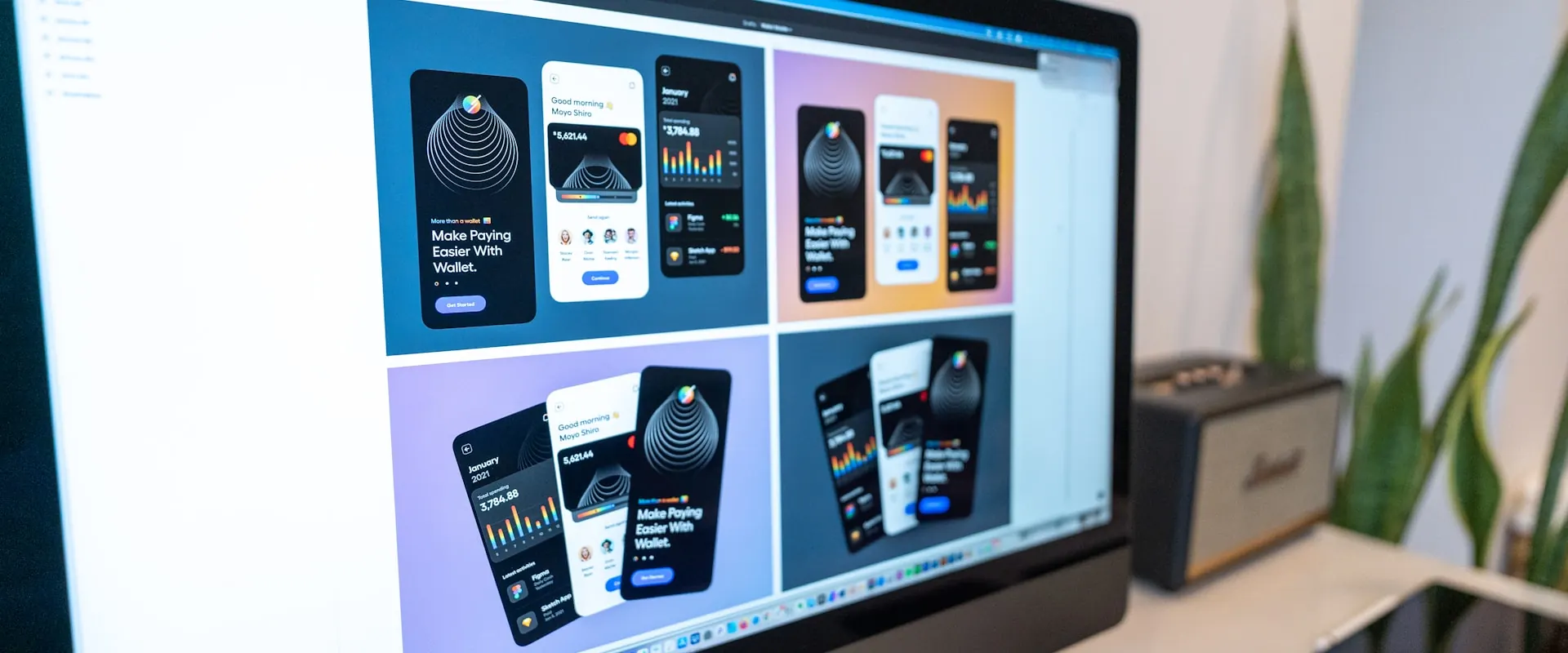
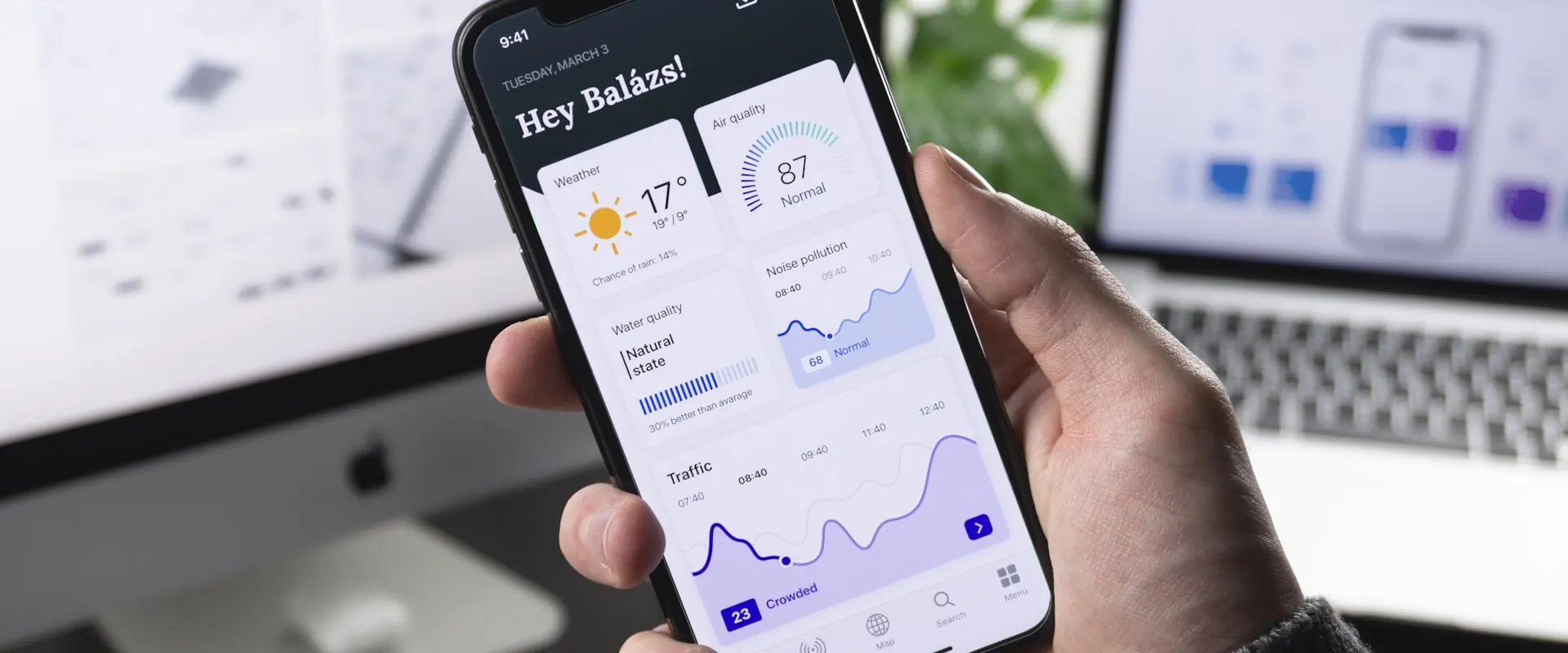
Why prototype
The prototype is the smallest investment you can make to avoid the most expensive mistakes.
Less risk
Test the idea in hours rather than months, so if something doesn't work you know before spending the dev budget.
Better conversion
Adjustments made on real usage evidence produce products that convert and retain better.
Aligned team
Everyone, from marketing to dev, sees the same thing, so there is no more "I thought it worked like this".
Faster development
With the prototype ready, your dev team implements without stopping every other day to resolve design questions.
Decisions backed by evidence
We test the prototype with real users and watch where they hesitate, so every adjustment comes from what happens on screen rather than from competing opinions.
Handoff with no ambiguity
The development team receives documented components, variants, states and specifications, so they can build without stopping every other day to ask.
From hypothesis to navigable file
Research
We understand user, tasks and context of use so we can define the hypotheses to validate.
Wireframes
Structure and flows in low fidelity so we can iterate fast on logic before visual design.
High fidelity
Visual design, components, states and microinteractions brought together in a fully navigable prototype.
Testing & handoff
User testing, final adjustments and delivery ready for the dev team.
Frequently asked questions
What's the difference between a prototype and a mockup?
A mockup is a static image, like a photo of the product, while a prototype is navigable and lets you click, fill in forms, see errors and walk through flows as if it were real, which is the only honest way to validate before building.
Do you build the product after?
We focus on design, so development is handled by your internal team or the technical partner you choose, and the prototype ships with all the documentation any developer needs to implement it without missing information.
I have an idea but I'm not sure it makes sense. Can I ask for just the prototype to validate?
That's exactly the ideal use case, because we build the prototype, test it with potential users and hand you evidence to decide whether to move forward, pivot or drop it, and the cost is a fraction of what it saves if the idea needs adjustments.
How long does a prototype take?
A prototyped landing ships in 1 to 2 weeks, while a full app or SaaS flow takes 3 to 6 weeks depending on scope, and both include everything from research to documented handoff.
What exactly do you deliver?
Editable Figma file, navigable prototype with shareable link, component and state documentation, dev specifications and, if included, a user-testing report with findings and recommendations.


Got a project in mind?
Tell us what you need and we'll reply by email, no strings attached.
Or email us at contacto@teslerlab.com